Verify your account
Upload your photo ID, proof of address and proof of bank ownership so your first withdrawal is not held up.
Log in to Yeah96 from your browser or the app to play, check your balance, deposit or withdraw. If something blocks you, the steps below cover the usual causes.
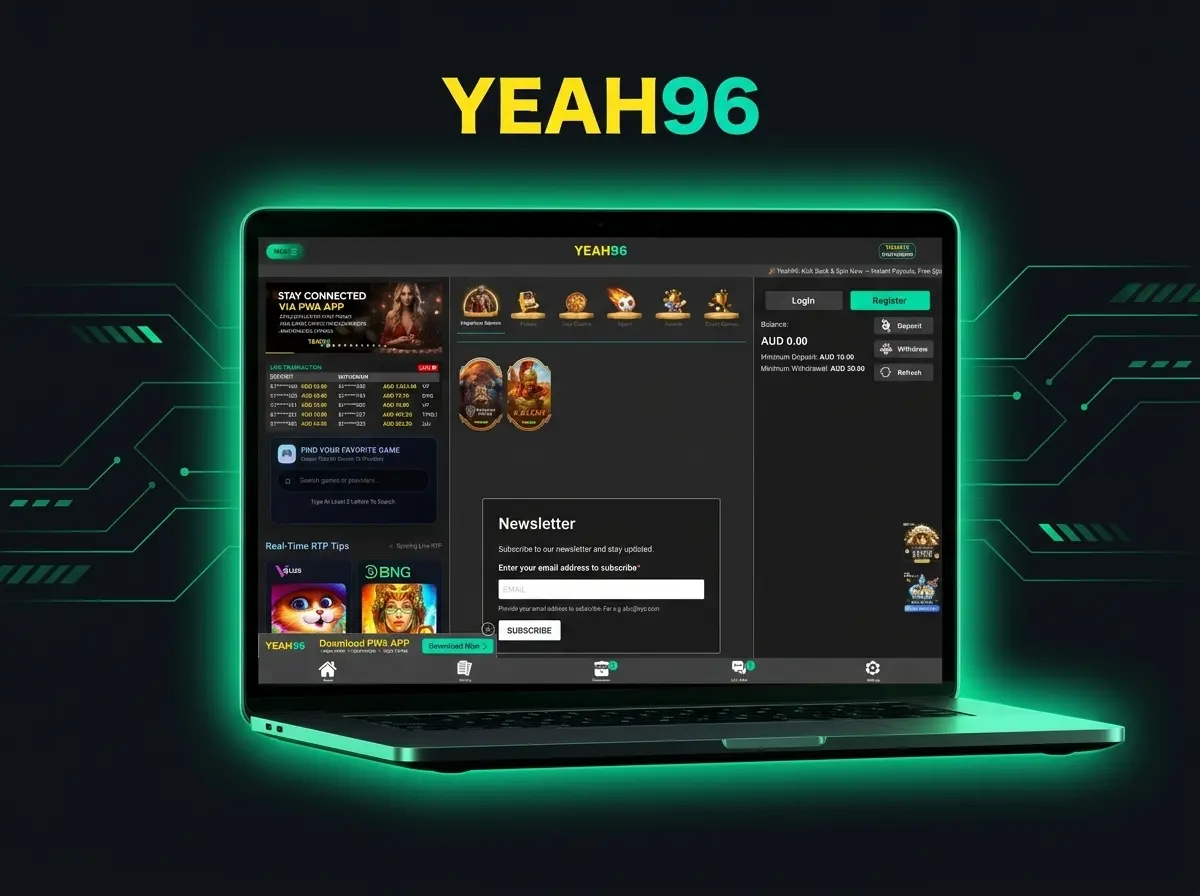
Press Log In on this page, or open the app from your home screen.
Use the Login button at the top of the page.
Type the details you registered with. Check for typos and make sure caps lock is off.
Submit the form. Your balance in AUD and the cashier appear once you are in.
You log in with your mobile number (or username) and your password. If you cannot remember the password, reset it in a minute from the login screen.
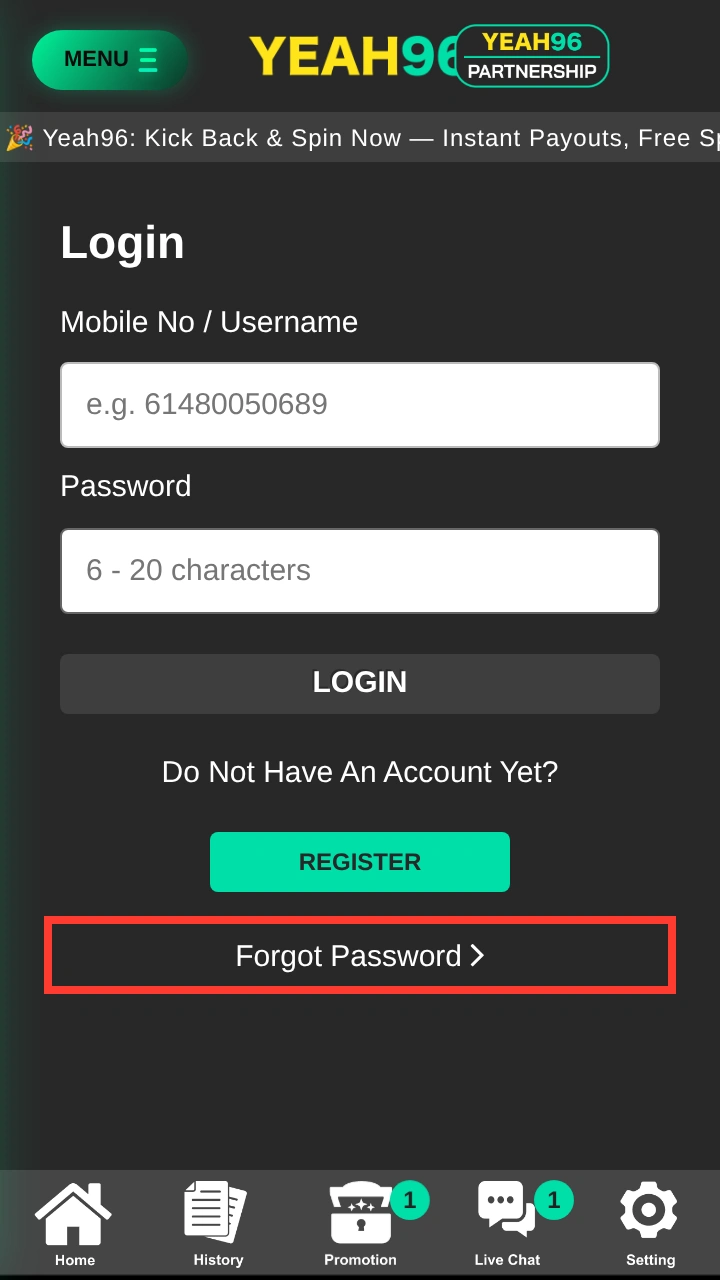
On the login screen, tap Forgot Password under the Register button.
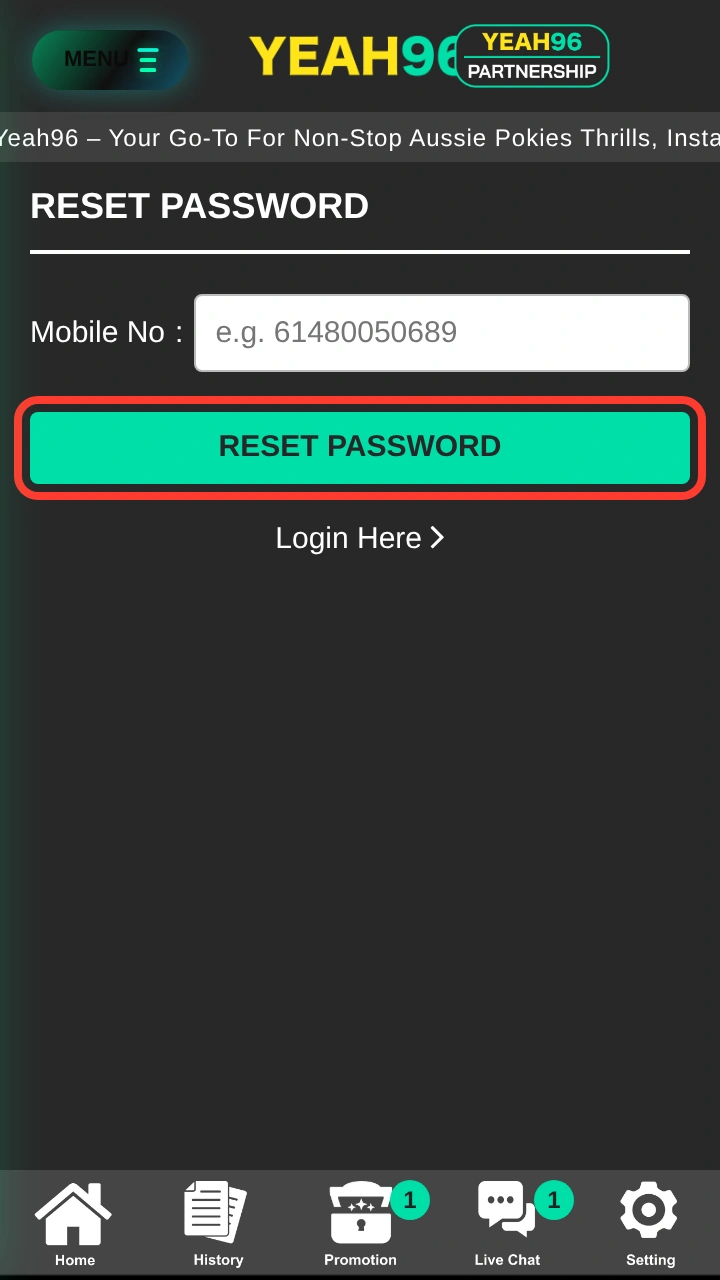
On the Reset Password screen, type the mobile number you registered with, in the same format, for example 61480050689, then tap RESET PASSWORD.
Follow the instructions on screen, then tap Login Here and sign in. Passwords are 6 to 20 characters. Still locked out? Ask Live Chat to help you recover access.
Most login problems come down to a few small things. Check the list from top to bottom before you contact support.
| Problem | Likely cause | What to do |
|---|---|---|
| Details are rejected | A typo, an extra space or caps lock | Re-enter your mobile number or username and your password slowly |
| Number not recognised | A different number format from the one you registered with | Use the same format, for example 61480050689 |
| You forgot the password | No saved or remembered password | Use Forgot Password, then ask Live Chat if you are still locked out |
| The page will not load | A weak connection or a browser problem | Refresh, try another browser, switch between Wi-Fi and mobile data, then try the app |
| You are logged out in the app | The session ended or the app was reinstalled | Open the app from your home screen and log in again with the same account |
| No account yet | You have not registered | Follow the Sign Up guide |
Nothing worked? Contact Live Chat, open 24/7. Have your registered name and mobile number ready.
Re-enter them slowly and check for extra spaces or caps lock. If you have forgotten them, ask live chat to help you recover access.
Refresh, try another browser or switch between Wi-Fi and mobile data. Then try the app.
Follow the Sign Up guide.
Avoid it where you can. Never share your login details with anyone, including people claiming to be support.
See the app page for how to install it.
Your account holds your balance and your personal details. A few habits keep it safe.
Pros
Cons
You are in. Here is what most players do next.
Upload your photo ID, proof of address and proof of bank ownership so your first withdrawal is not held up.
Add funds by bank transfer in AUD. The minimum deposit is A$10.
See the 100% welcome bonus and other offers, and read the terms before you claim.
Add Yeah96 to your home screen and turn on notifications for promos and payment status.
Live chat: open 24/7 from the Yeah96 site.
Email: support@yeah96.com
Updated: